
Shutterstyle — client style guides for photographers. Skip the Pinterest board. Send a client style guide in 5 minutes.
A curated library of family outfit palettes, refreshed with new pieces every week. Pick a palette, fill in each subject, send your client one polished link.
Built by Kelsey — a family photographer and mom of five.
How it works. Four steps from a blank page to a client-ready guide.
Photographers on Shutterstyle send a finished style guide in 4 minutes and 31 seconds, on average. Add your people, pick a palette you love, dress each person, and send one link — instead of another Sunday lost to Pinterest boards.
- Step 1. Add the people. Mom, Dad, Baby, Big Sister. Age and gender on each so every palette is tuned to the actual people in the session.
- Step 2. Pick a palette. Browse the curated library, tap your favorite, and lock it to the guide. Abel is the one we'd actually shoot this family in.
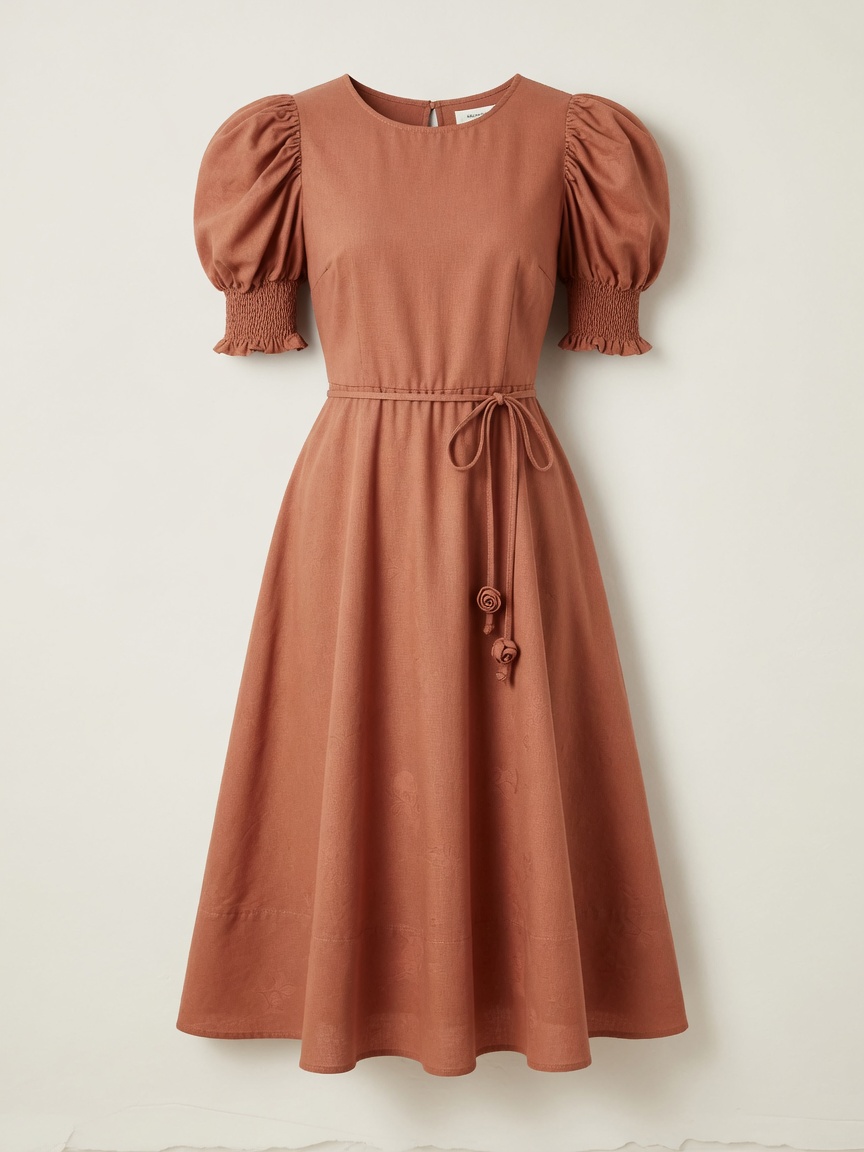
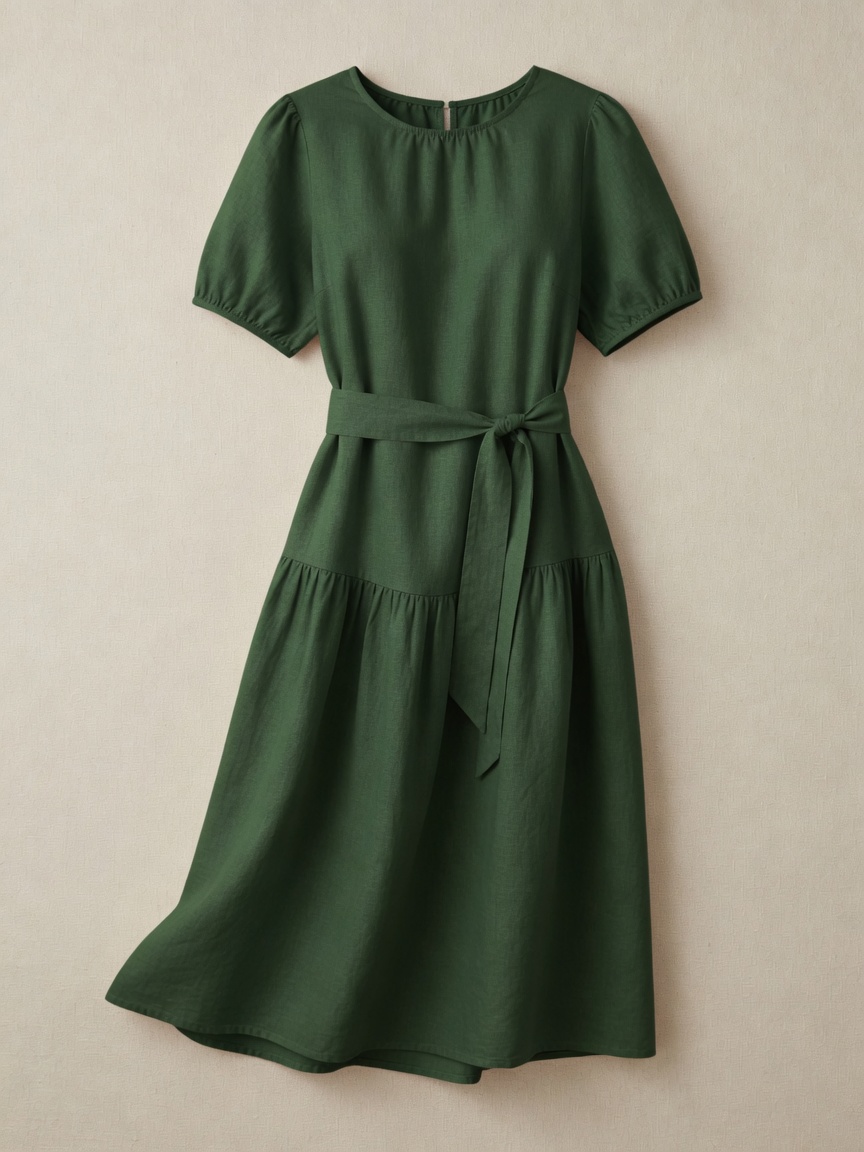
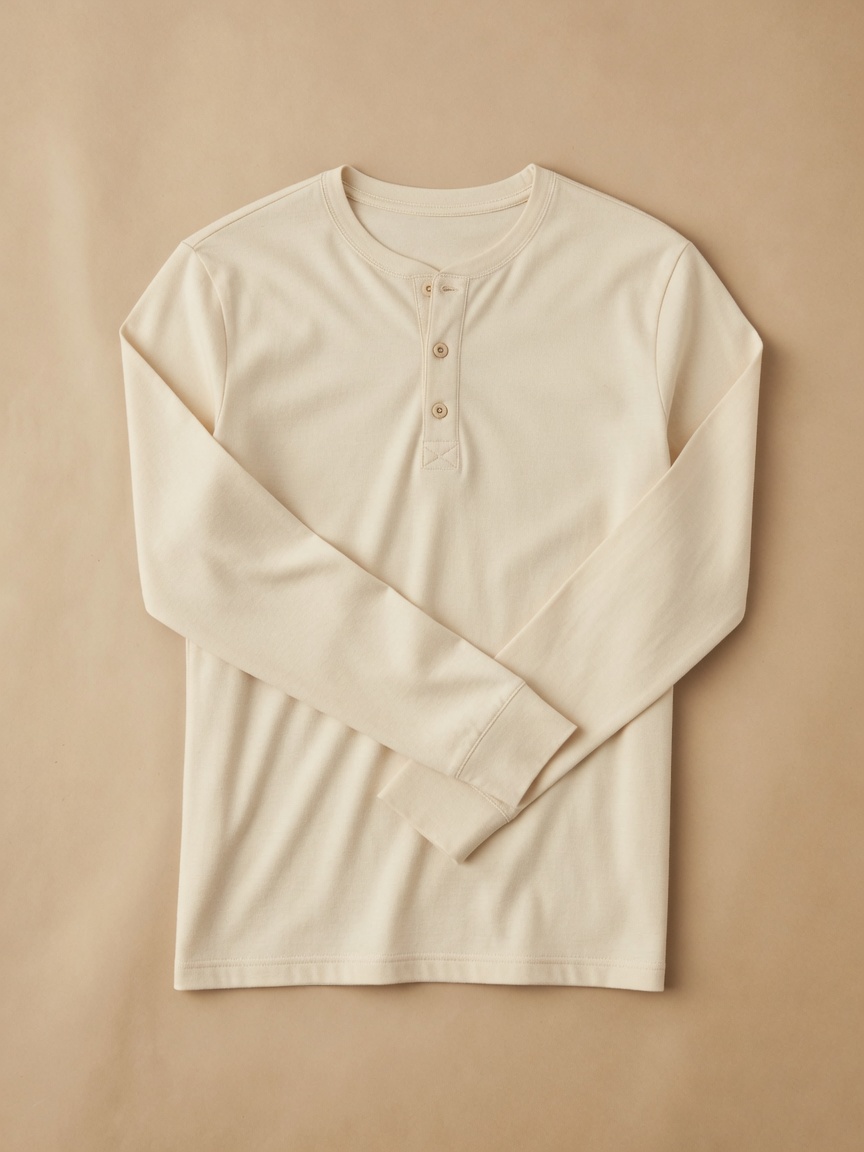
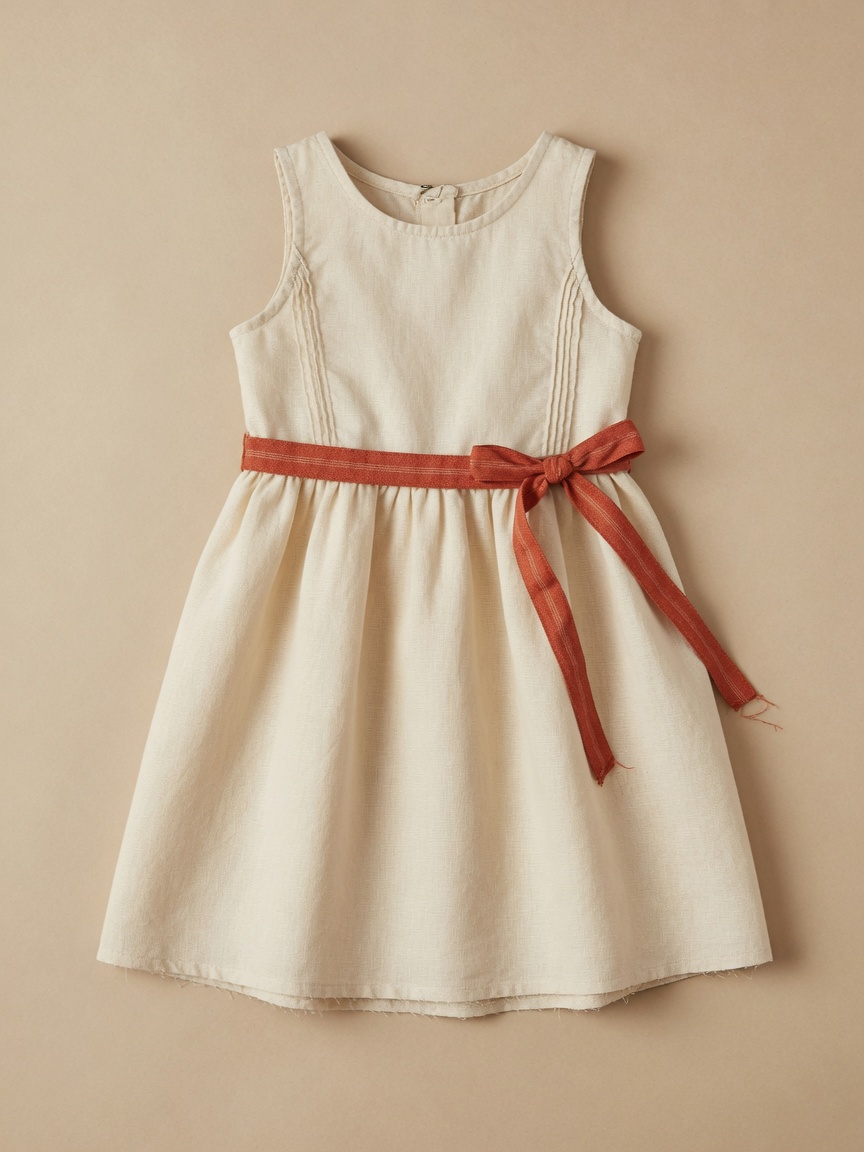
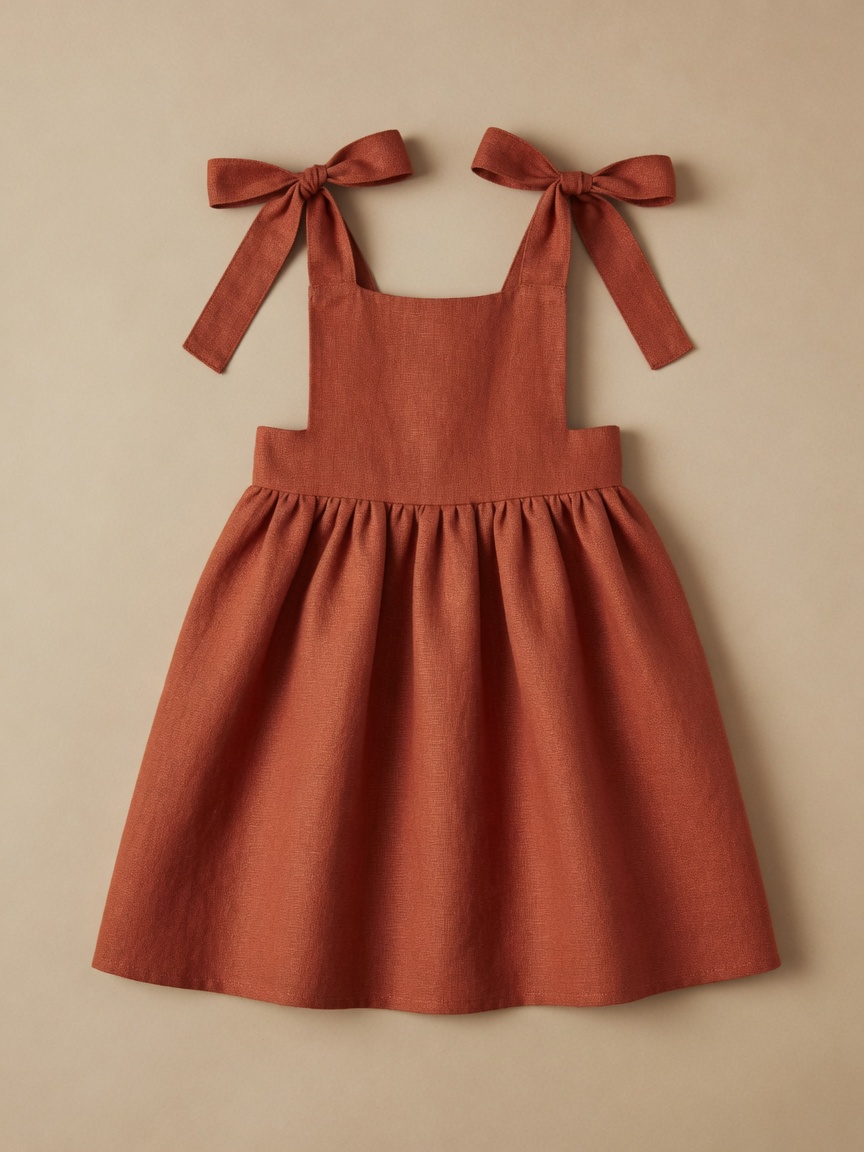
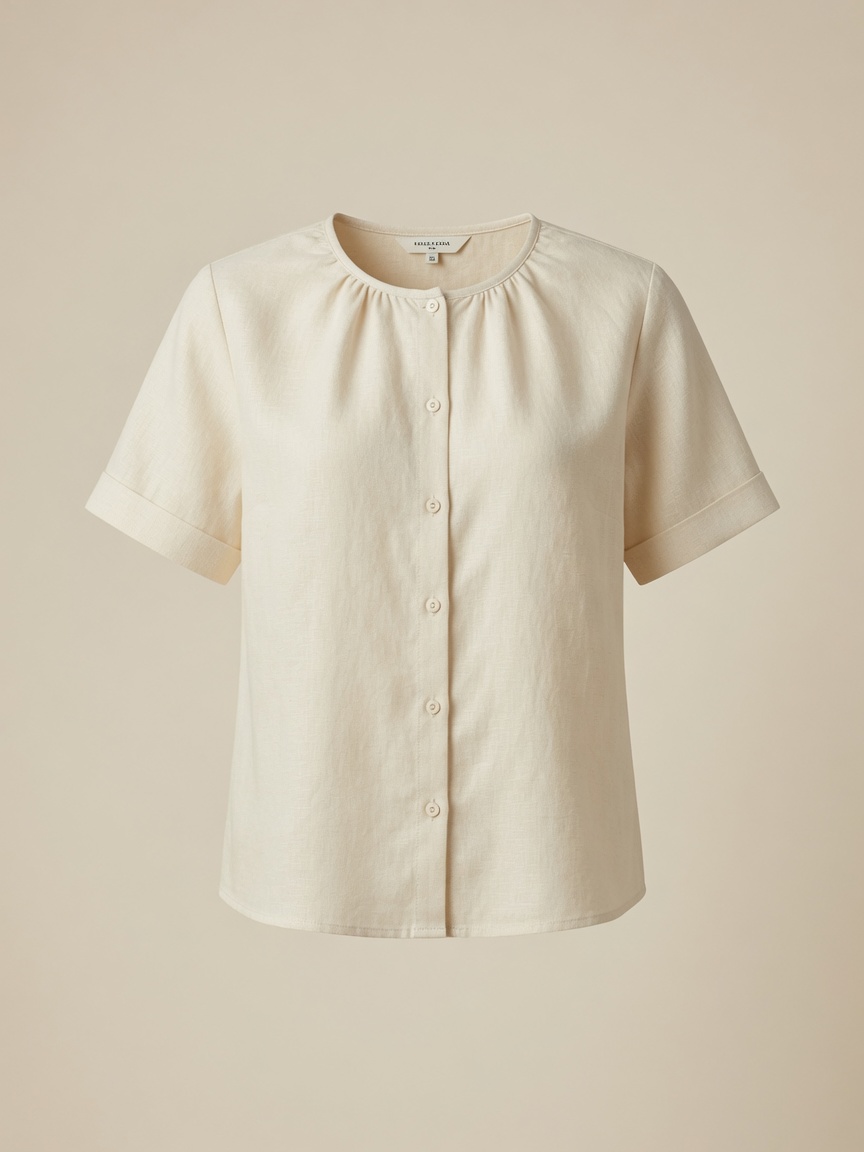
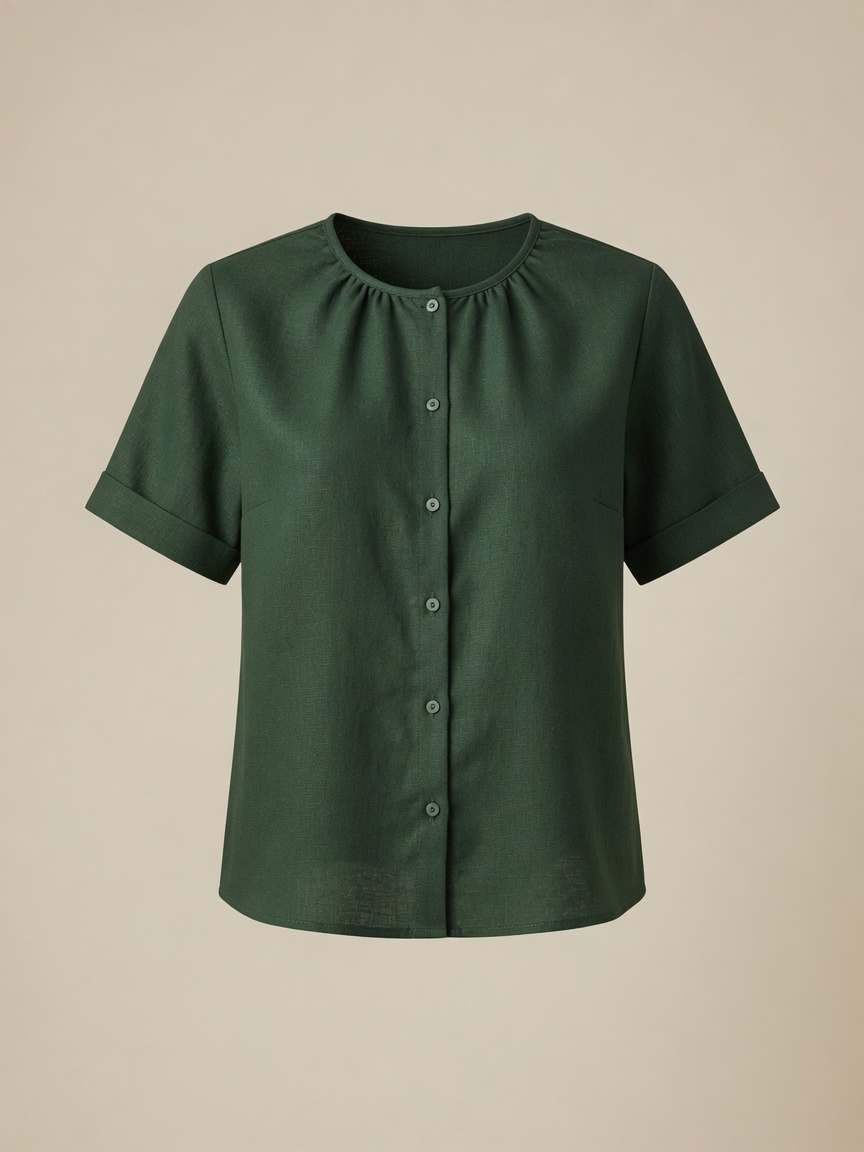
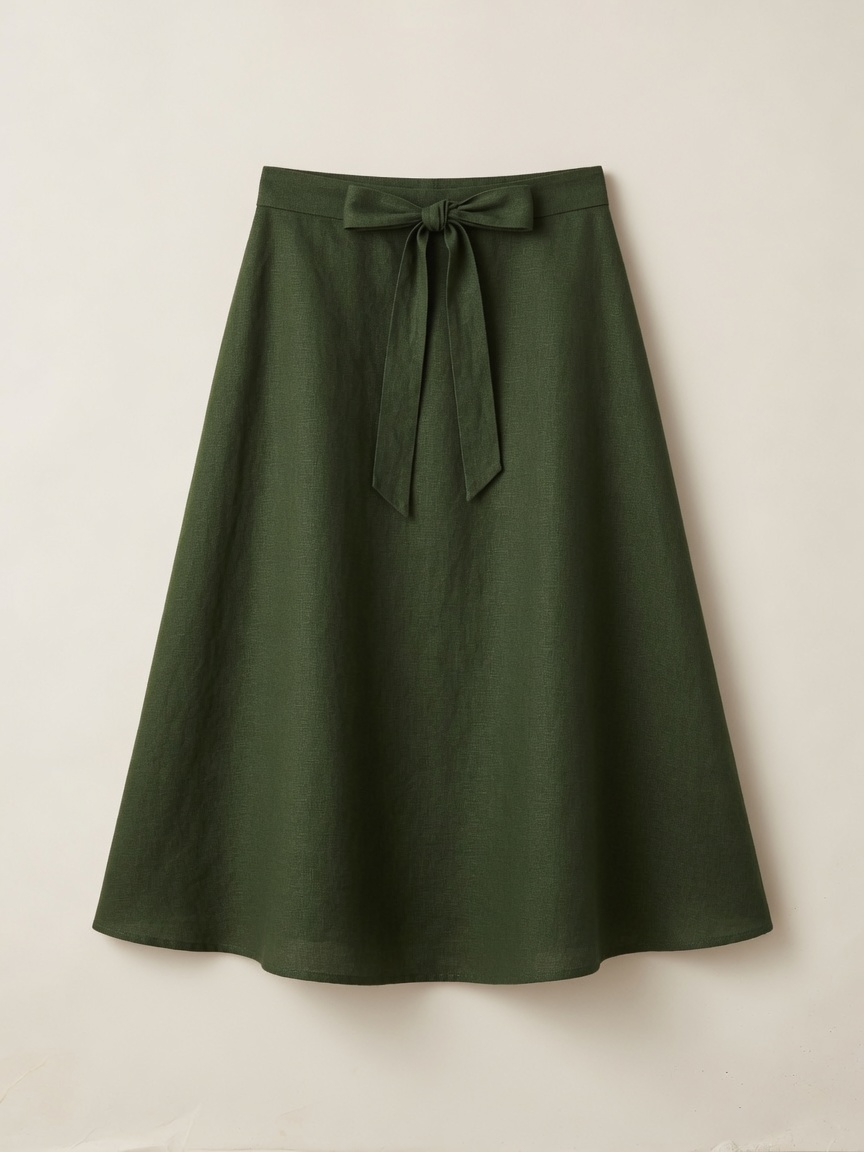
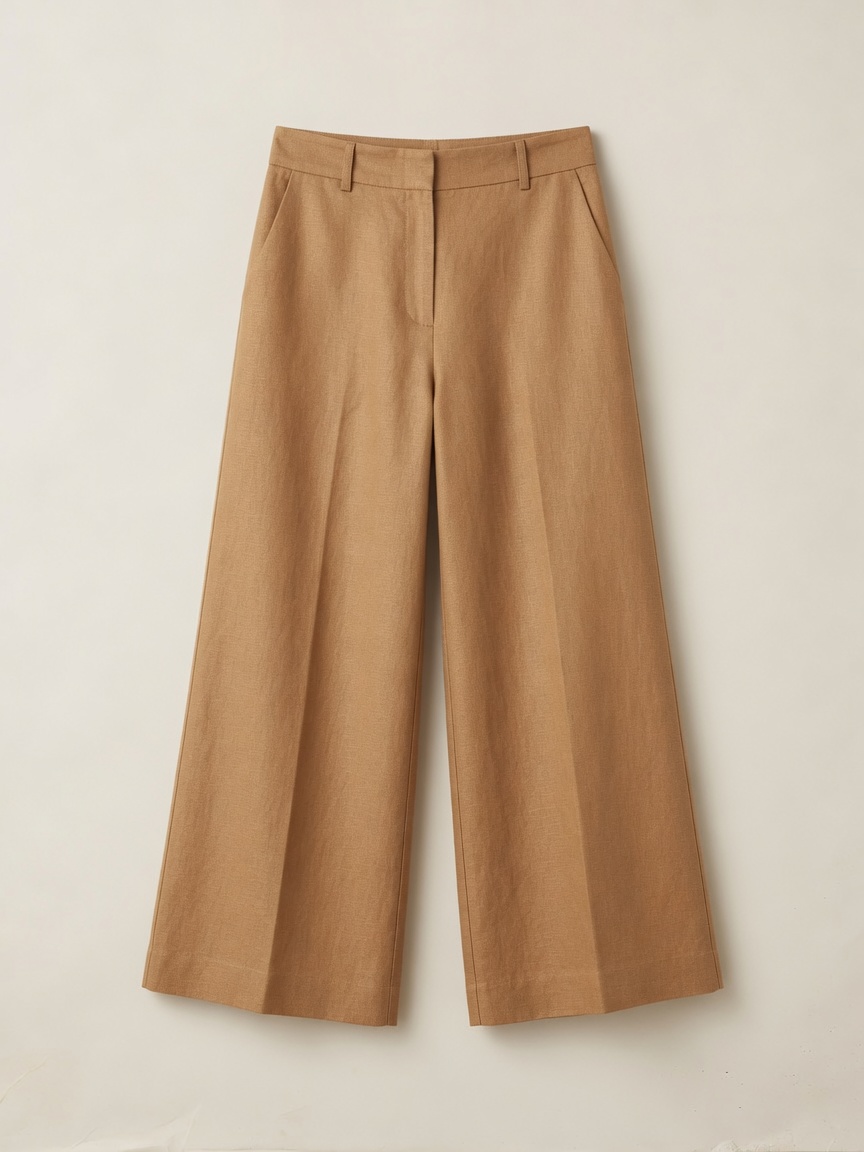
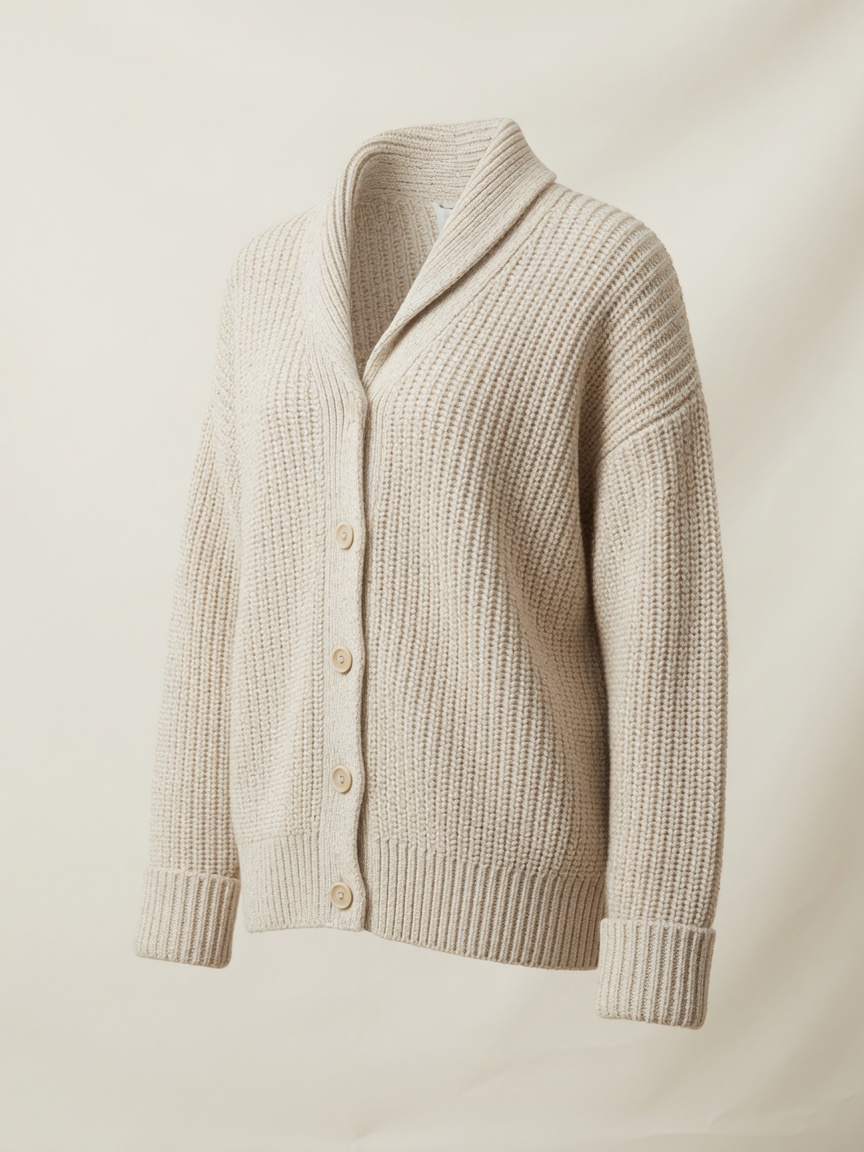
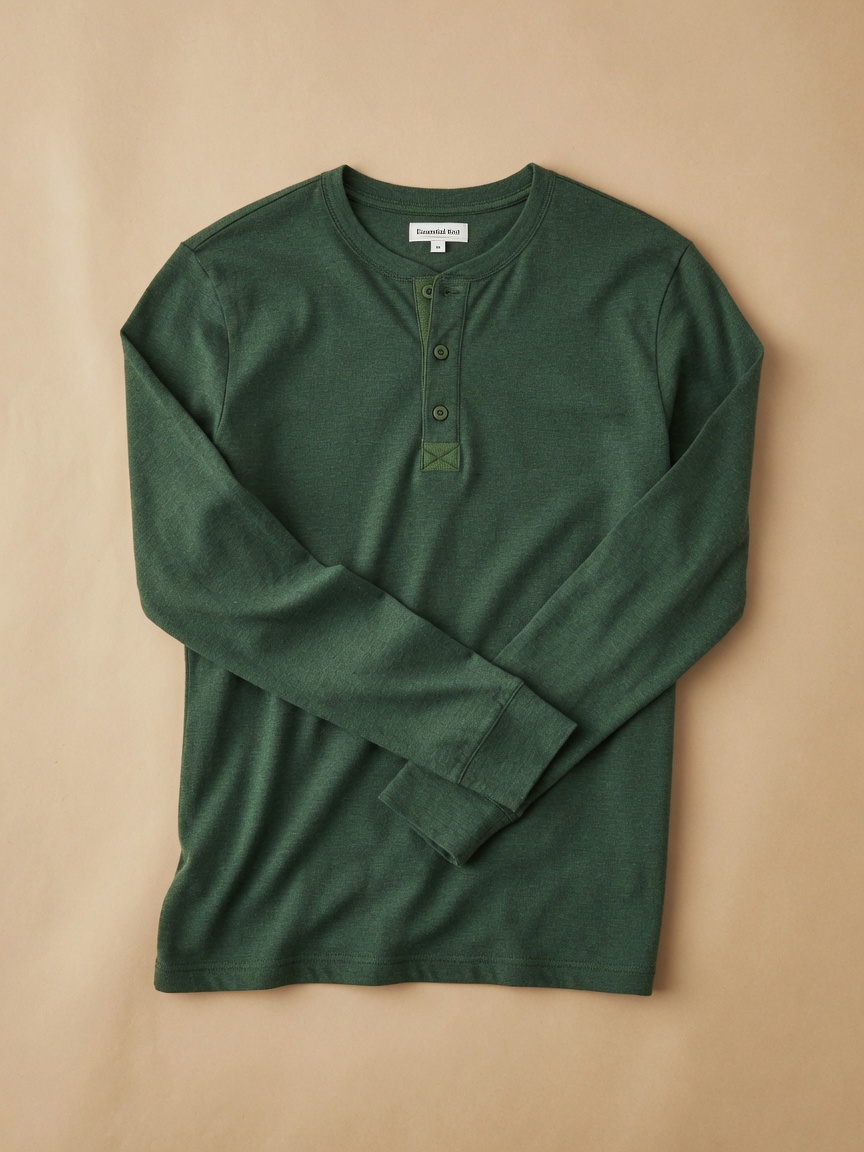
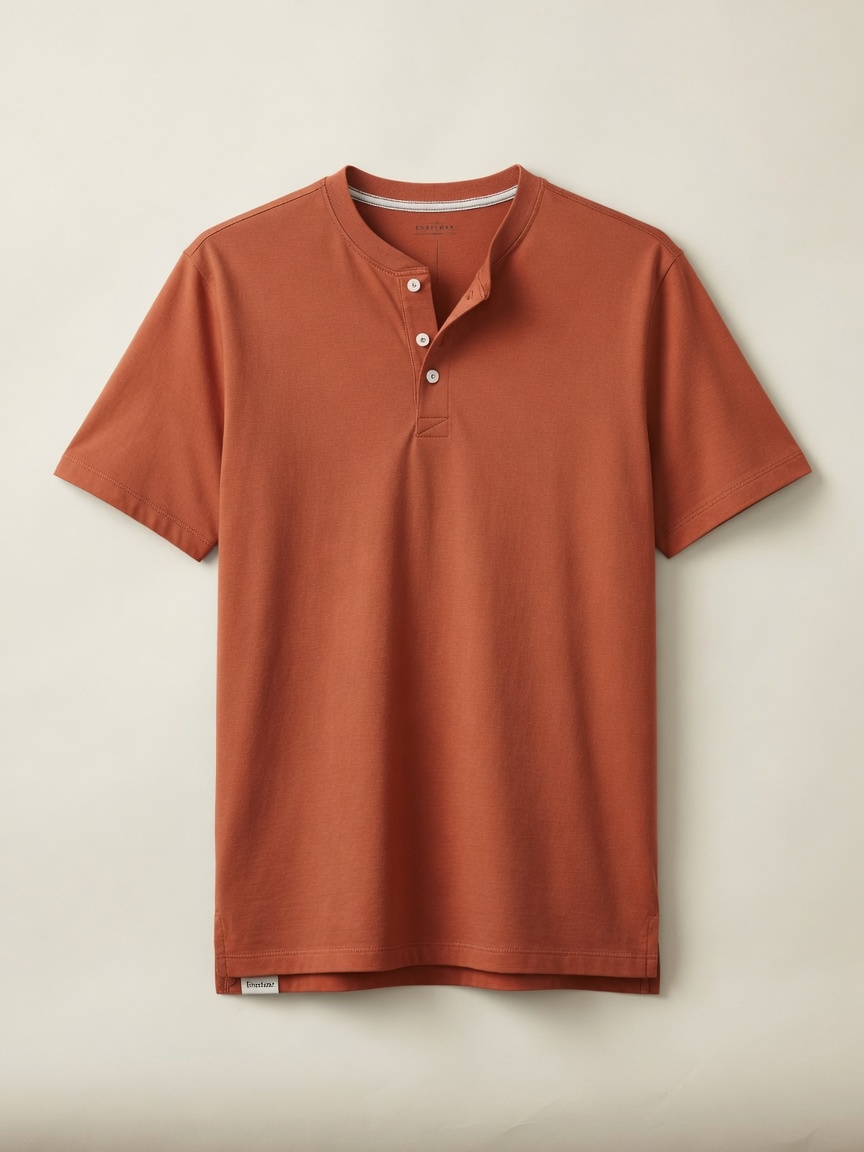
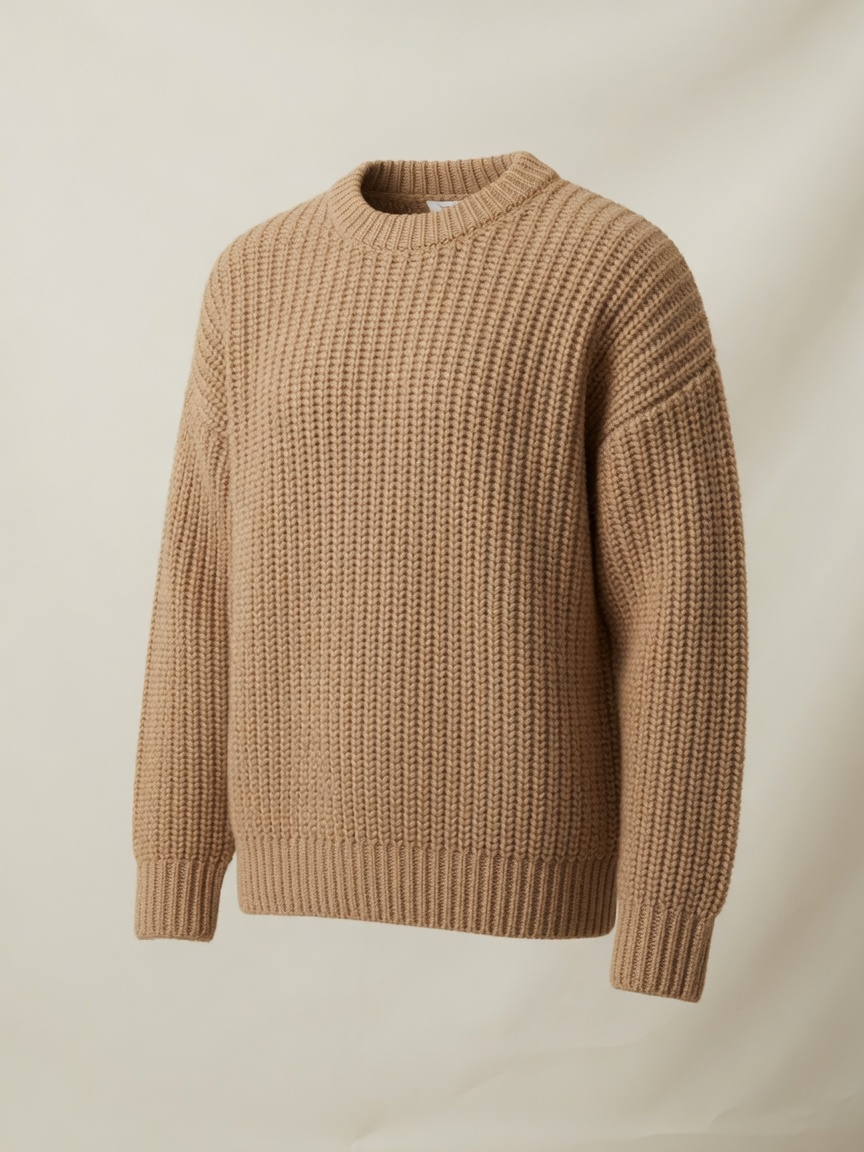
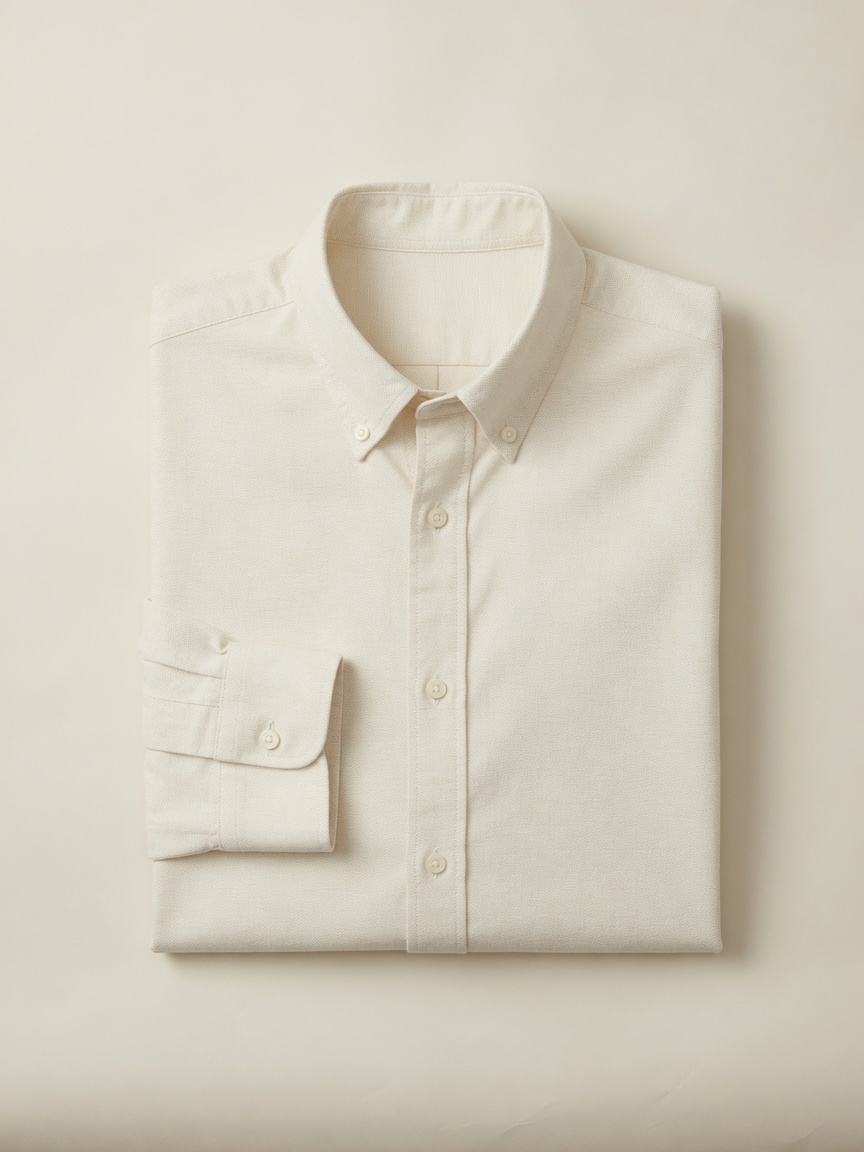
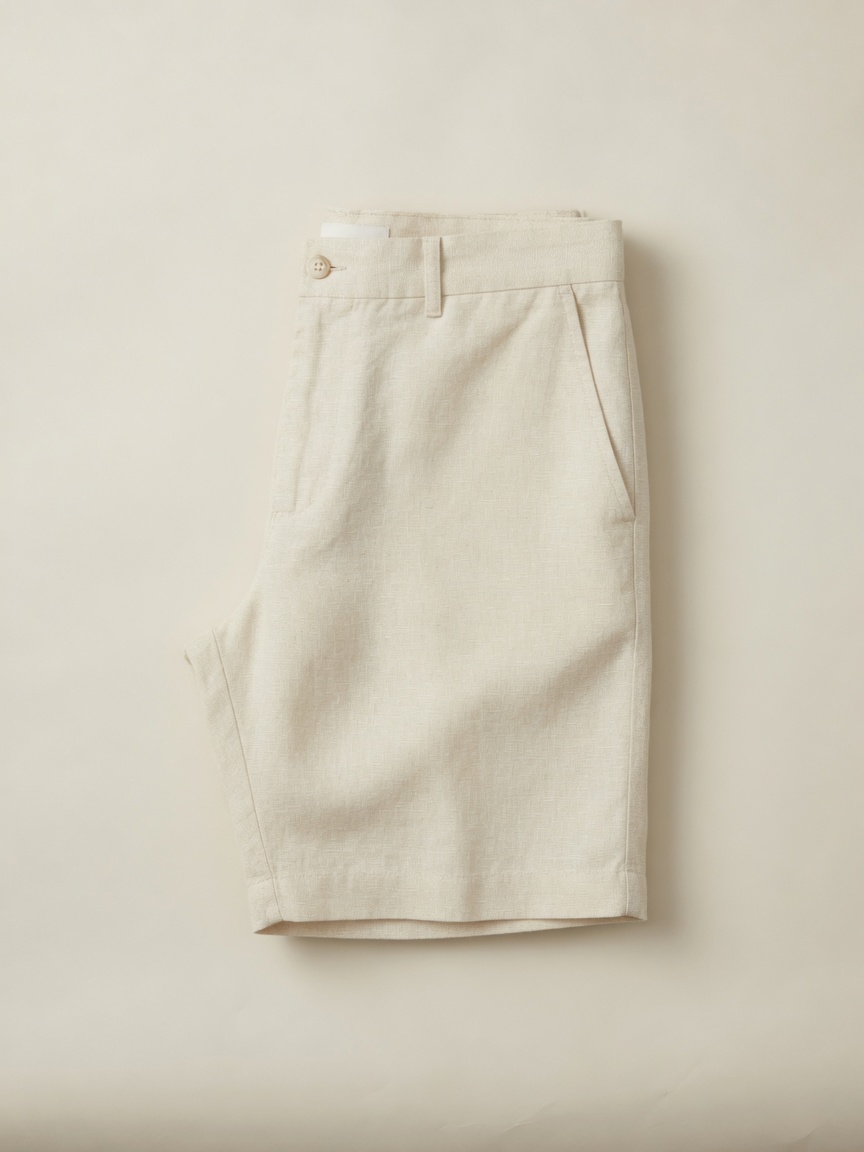
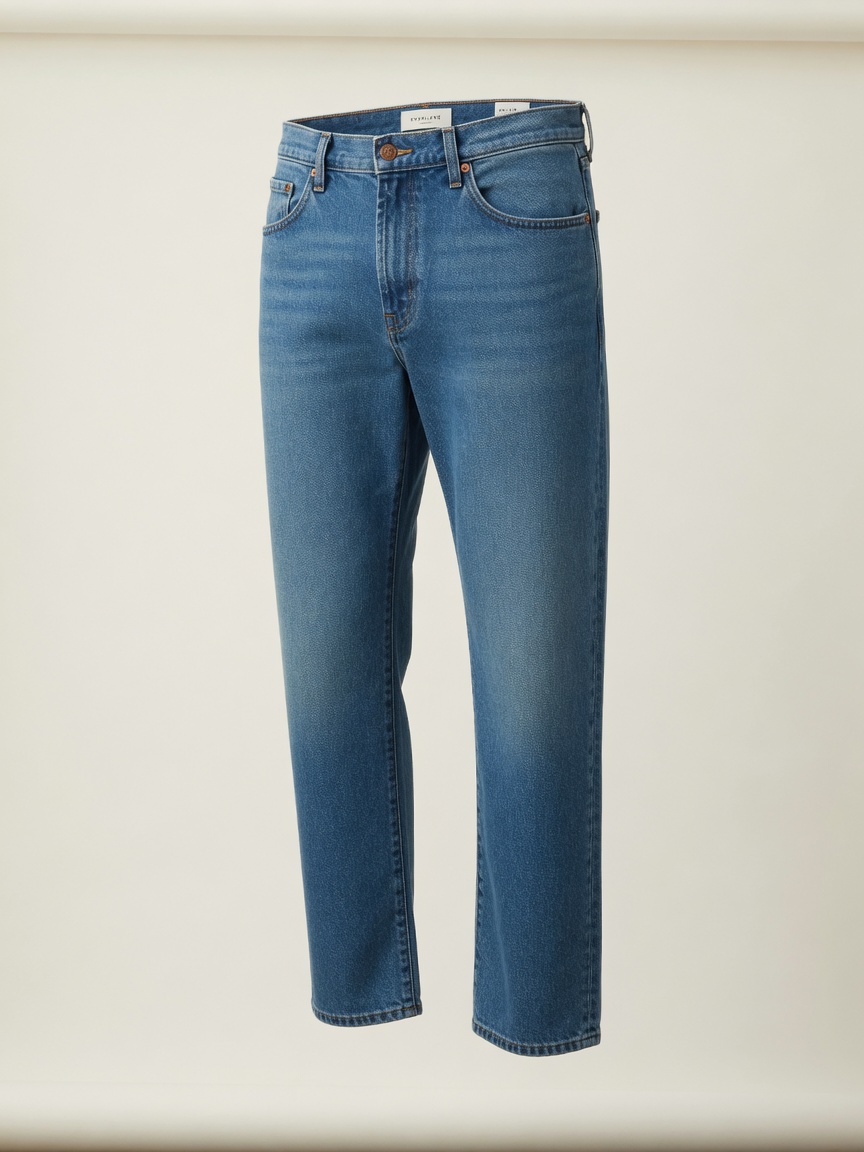
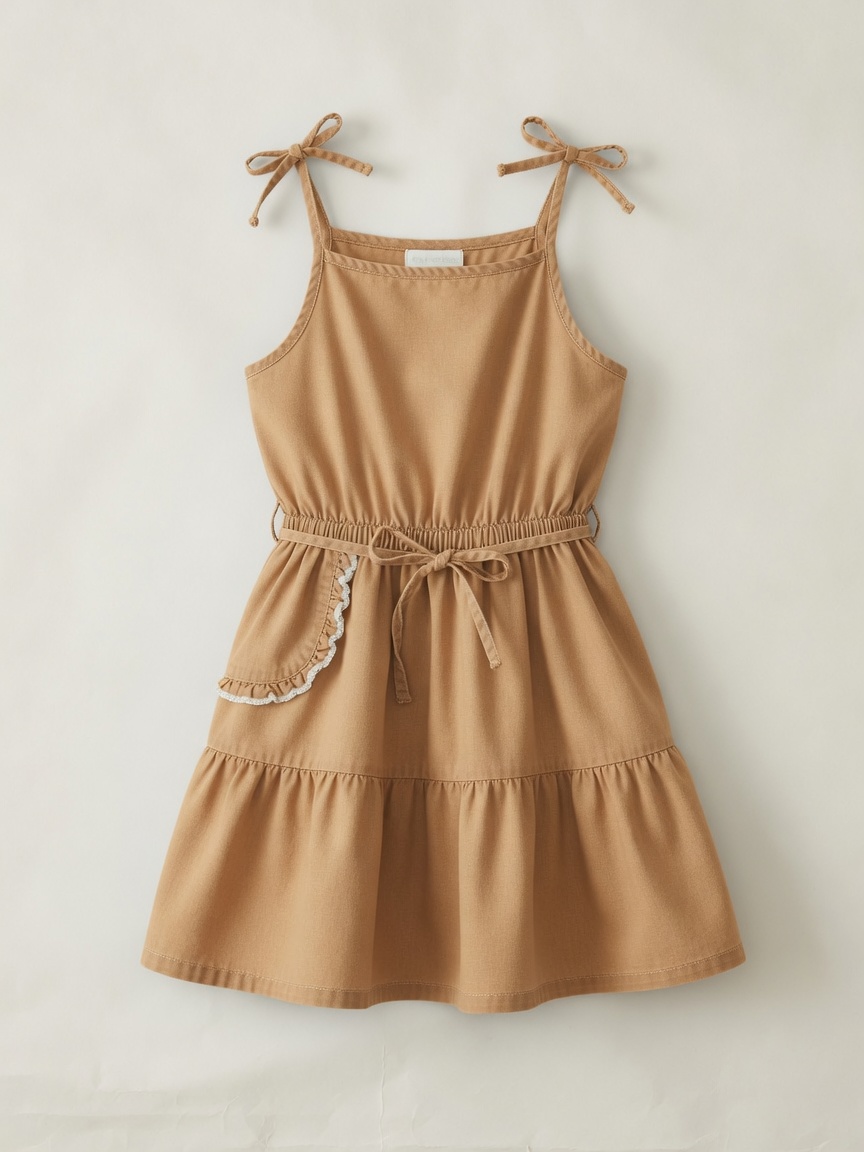
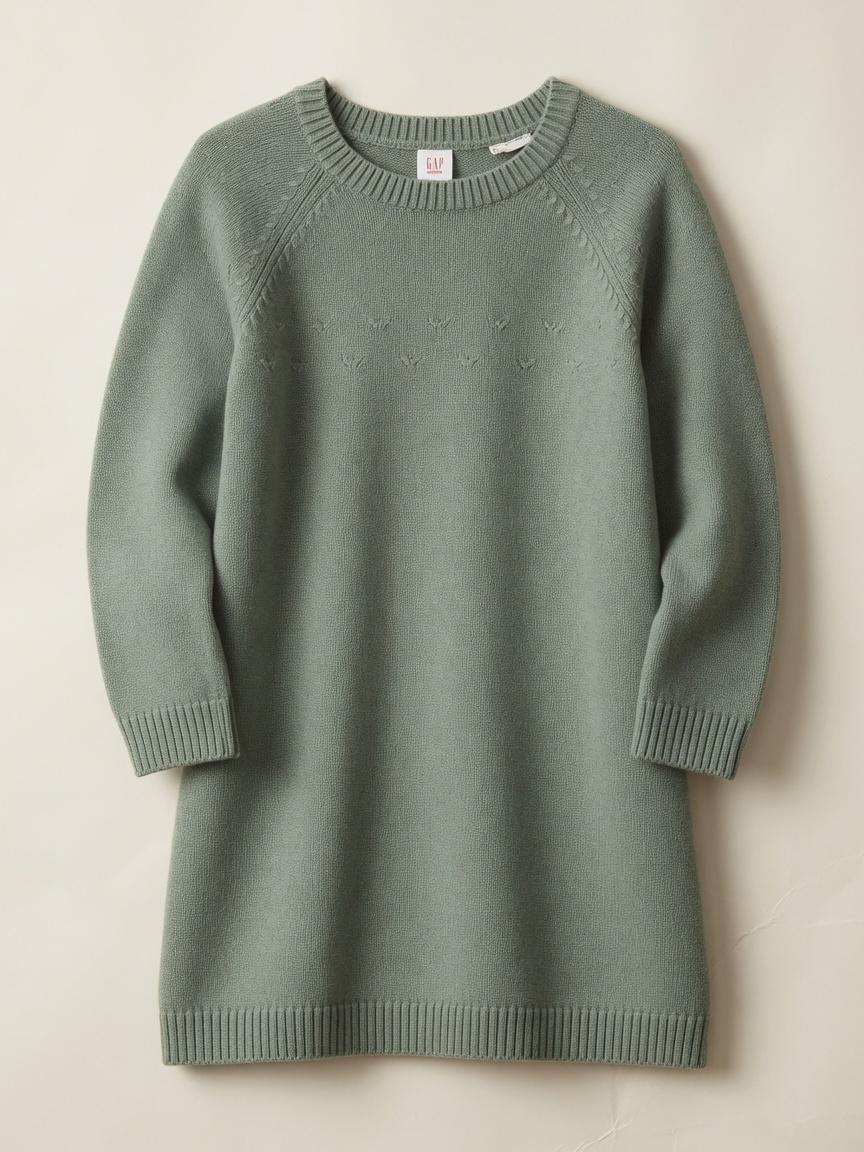
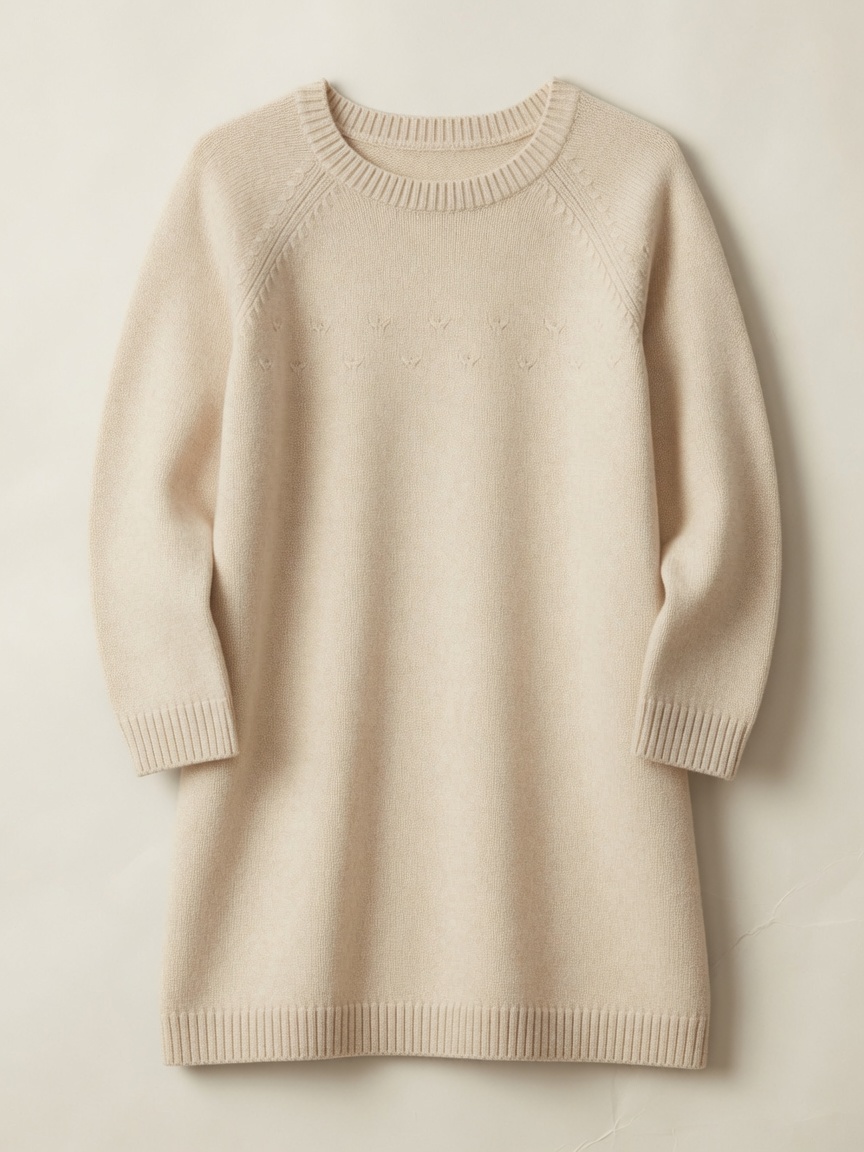
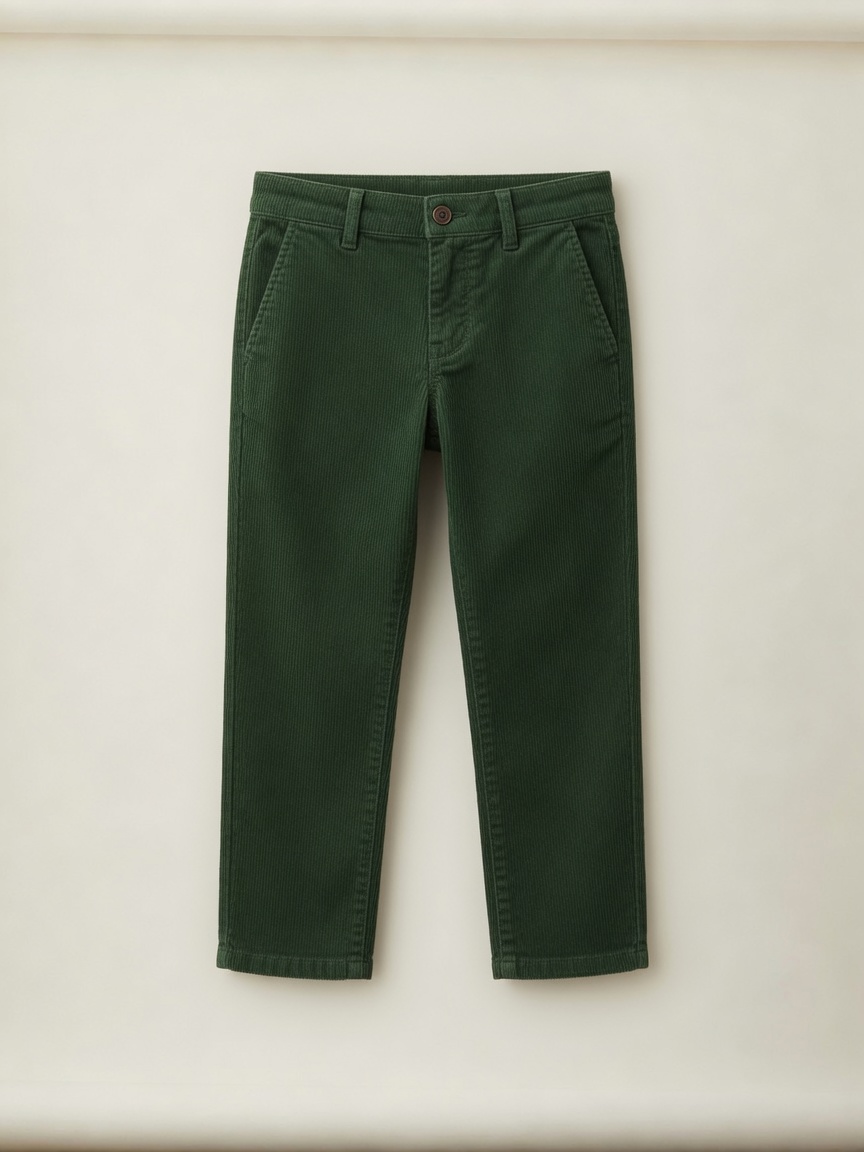
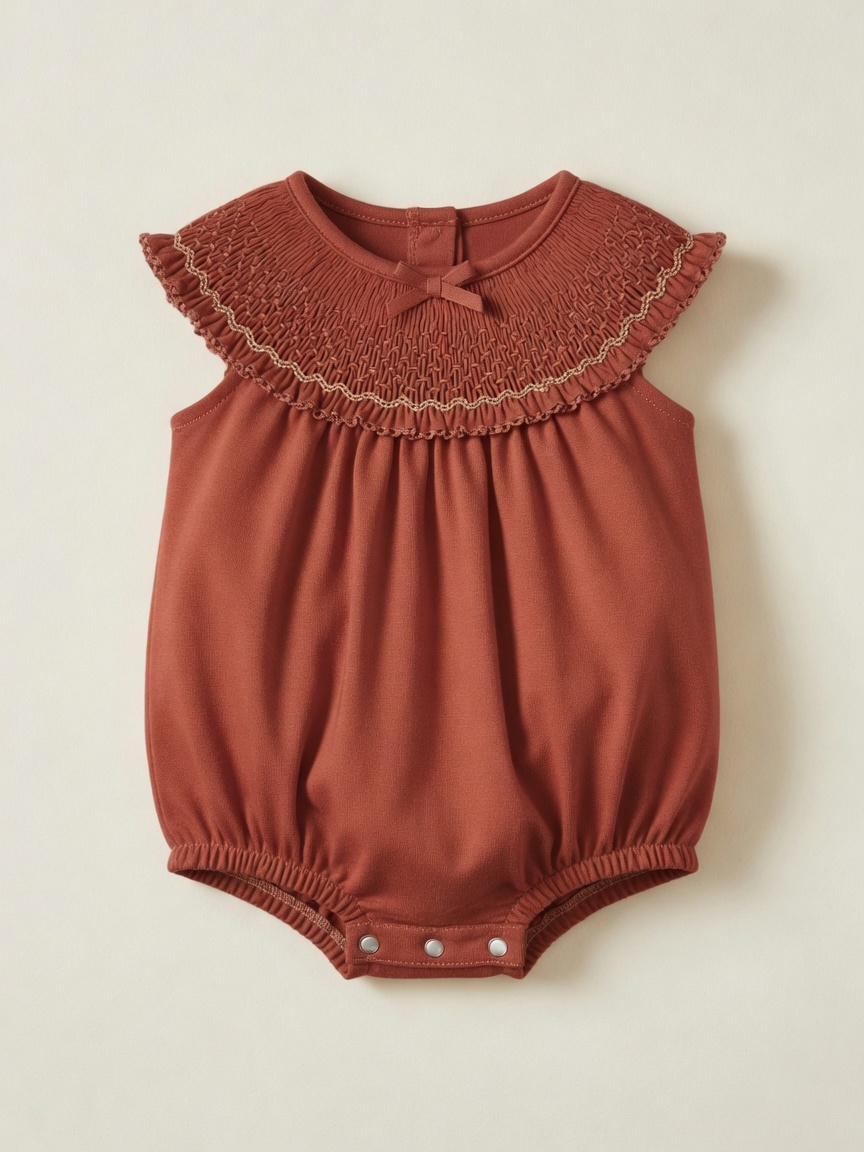
- Step 3. Pull in the pieces. Live catalog items, already in the palette. Add a terracotta midi, a forest henley, a cream sundress — each person gets their own row.
- Step 4. Send the guide. Publish a polished, mobile-friendly style guide where every piece is a live, clickable link. Your client taps to shop straight from the guide — no Pinterest, no email back-and-forth.
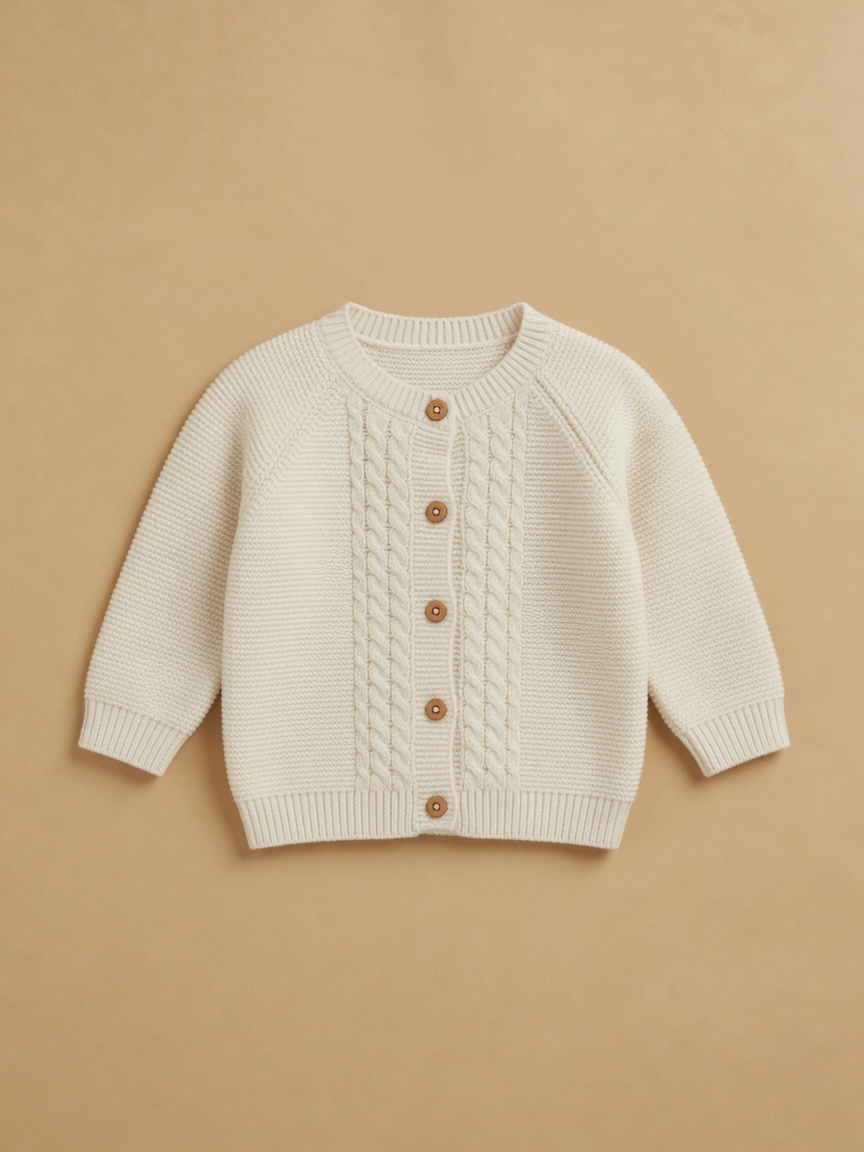
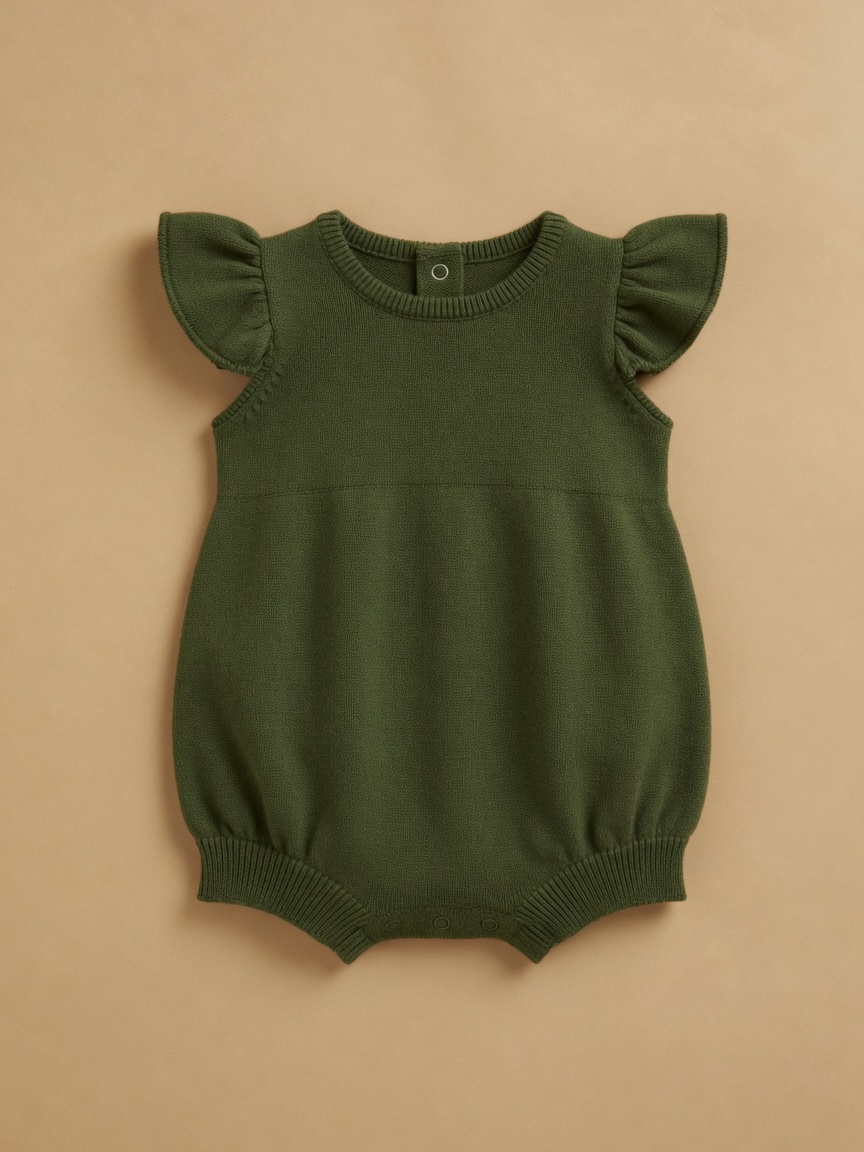

Founder. Hand-picked by a family photographer — from the other side of the camera.
I'm Kelsey. I shot families professionally for years, and right now my five kids are the only clients I have the bandwidth for. That means I'm still living the styling problem every season — just from the mom's side of the planning text thread.
Between client style guides and planning our own family sessions, I was losing entire weekends to scattered Pinterest boards and open tabs. There had to be a better way.
So my husband and I built the tool I wished existed: a short list of palettes I'd actually shoot with, kept fresh with new pieces every week. No giant catalog. No hours of searching. Just the looks I'd send my own clients — and dress my own kids in.
Kelsey · Photographer & Founder
Palettes. Find your palette.
These are real palettes from the library. Tap one to start a style guide with it. Favorite the ones you love — when new pieces arrive, they'll be waiting in your palette next time you log in.
Pricing. Simple, transparent pricing.
14-day free trial of Pro. No credit card required.
Free
Try Shutterstyle on a single style guide.
- 1 style guide
- 3 people per guide
- Full access to the curated palette library
- Client guides include Shutterstyle branding
Pro
For working family photographers.
or $190/year (save 17%)
- Unlimited style guides & people
- Favorite palettes (with new pieces every week)
- Client Closet — upload & organize your own wardrobe
- Your-brand client guides (small Shutterstyle footer)
Inspiration. Finished lookbooks, ready to Copy.
Inspirations show what a finished family lookbook looks like. Copy one into your account after you sign up.
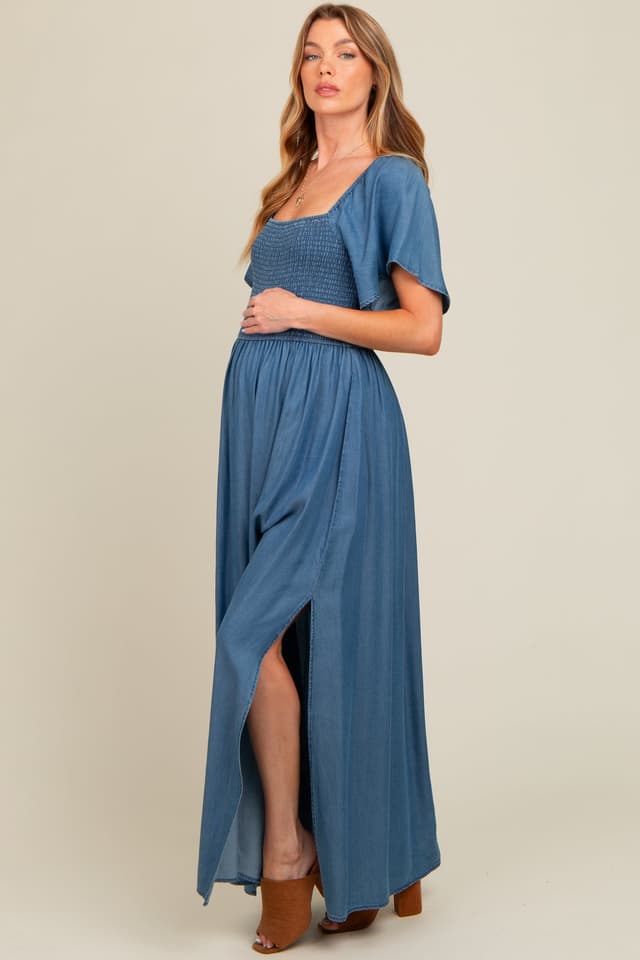
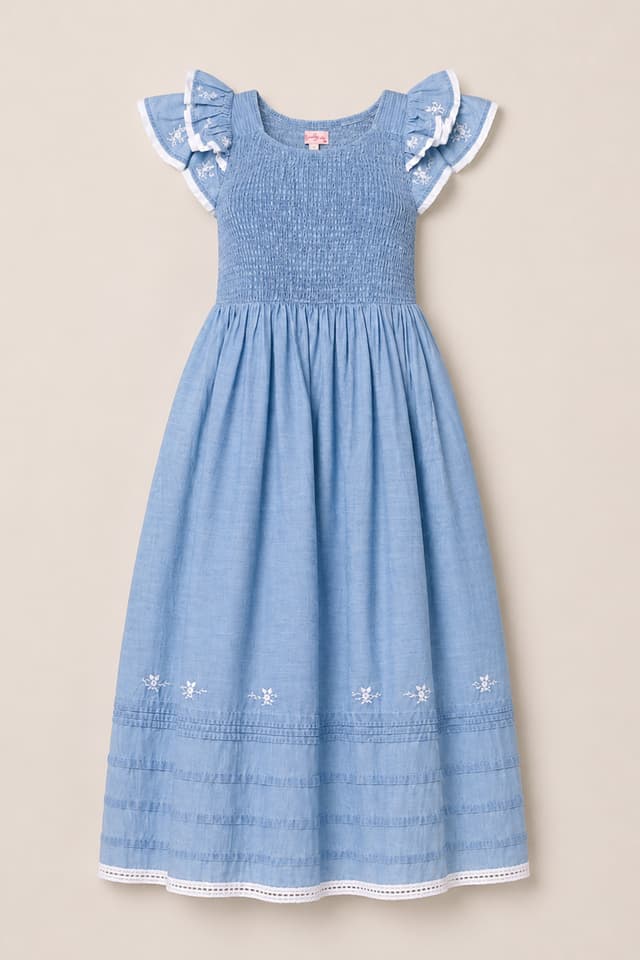
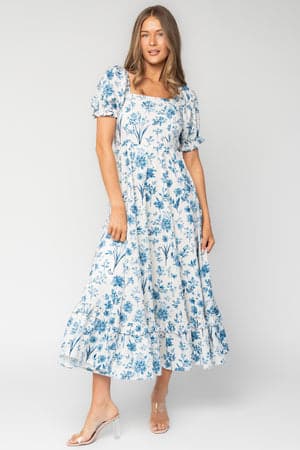
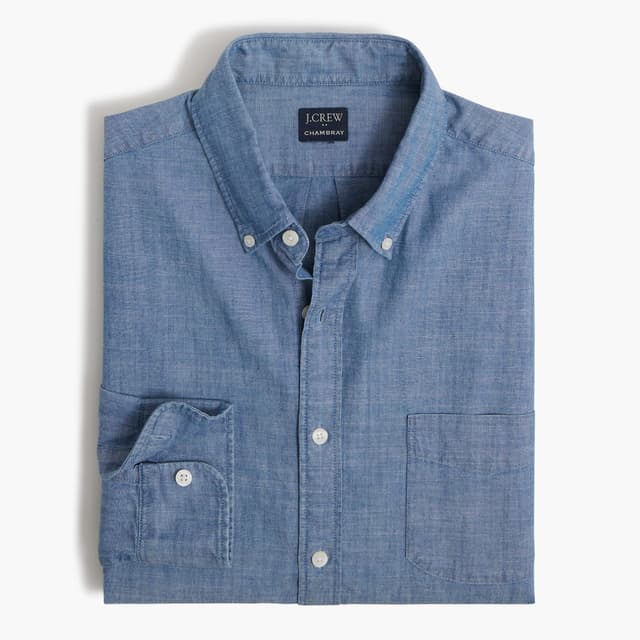
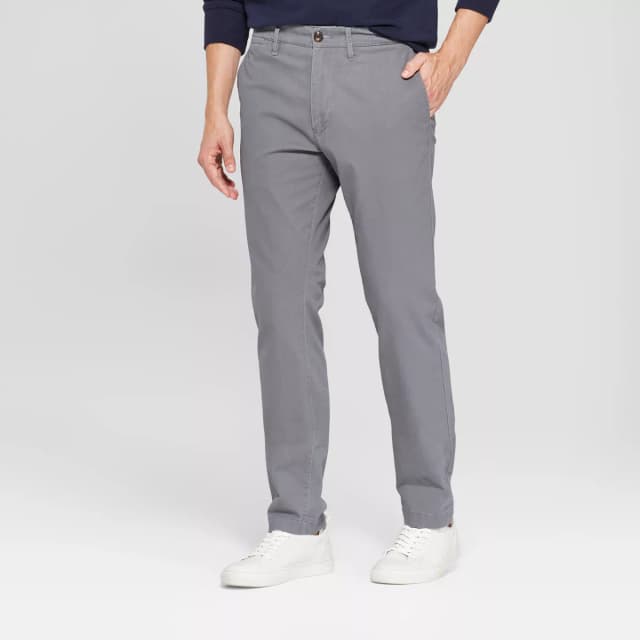
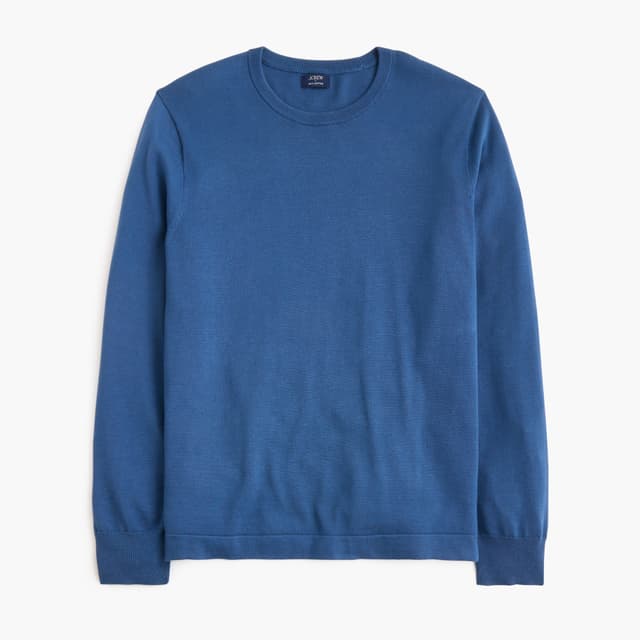
Lottie Newborn Family Style Guide
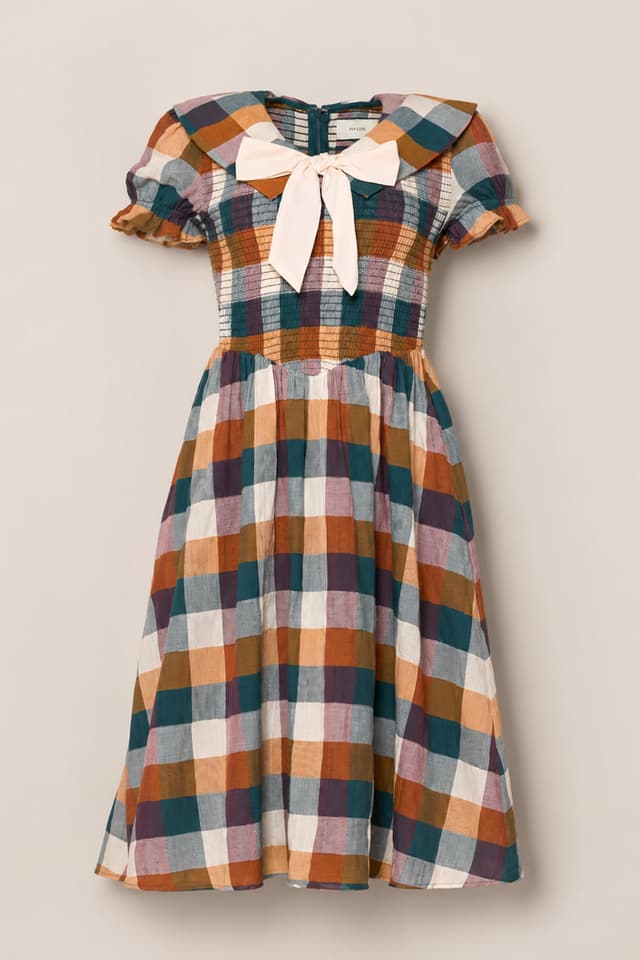
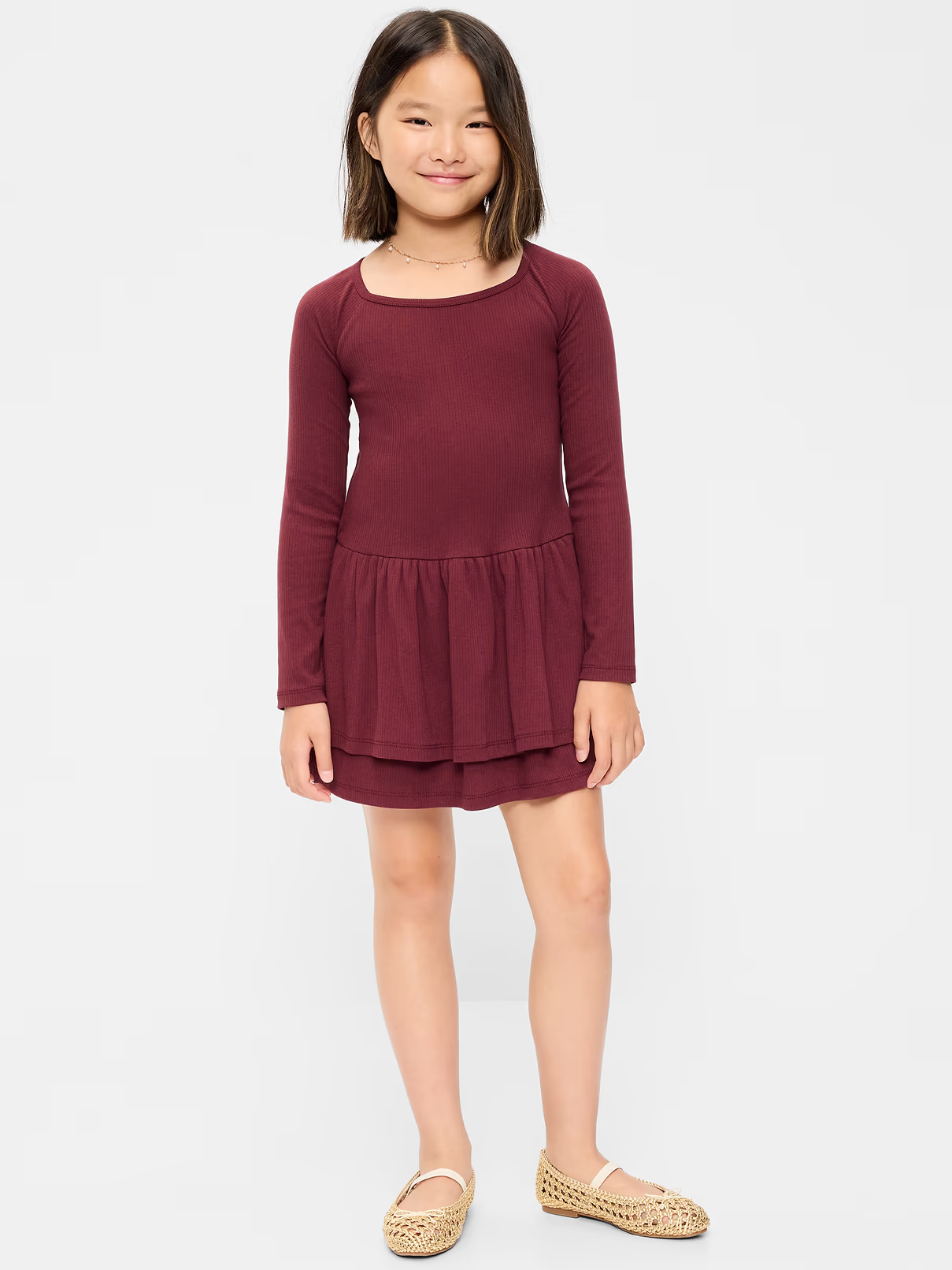
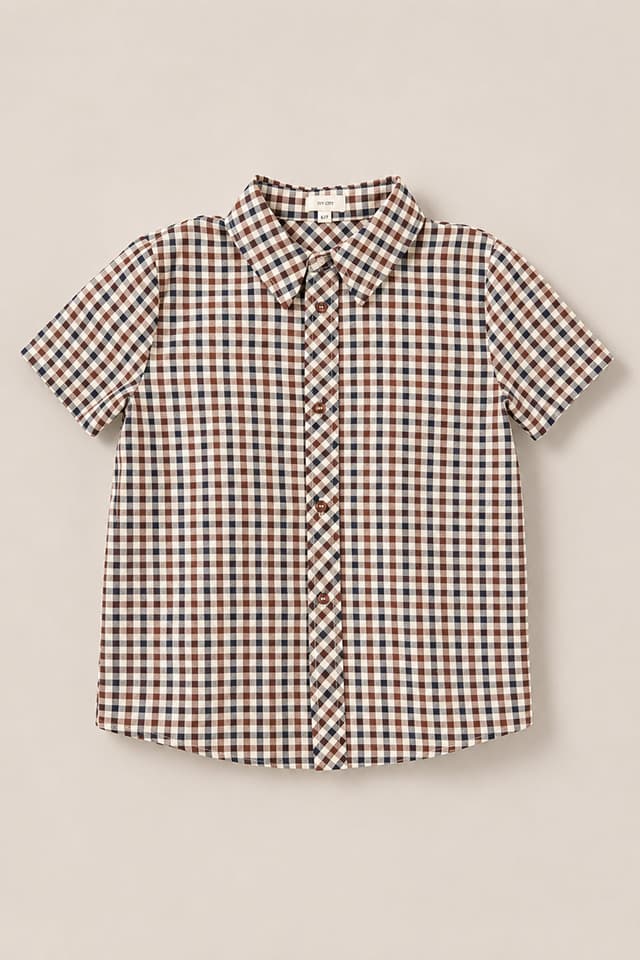
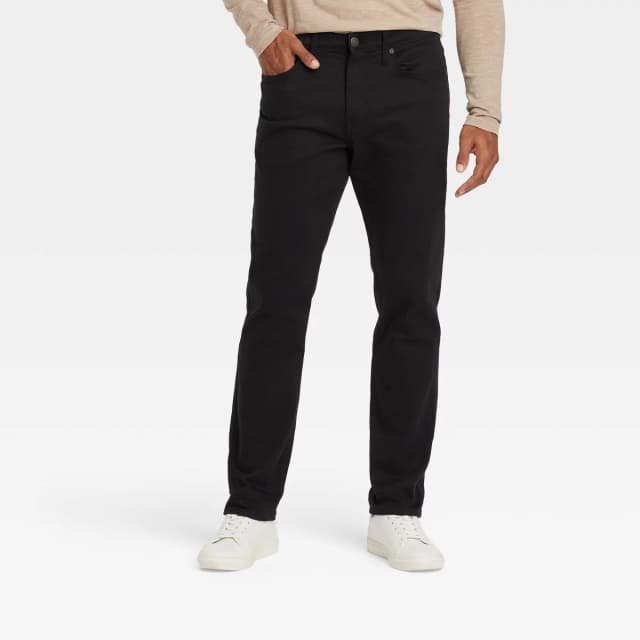
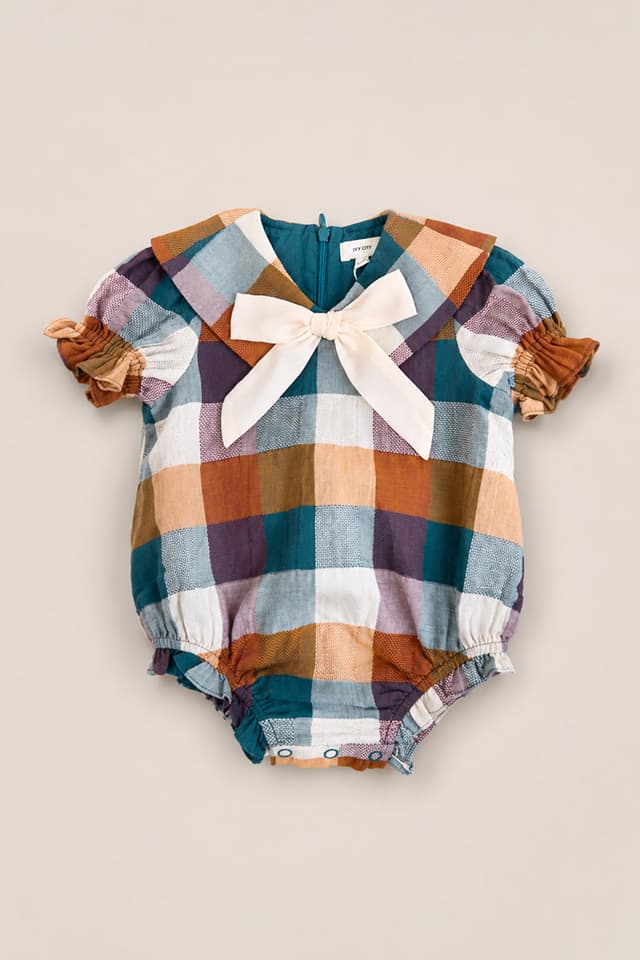
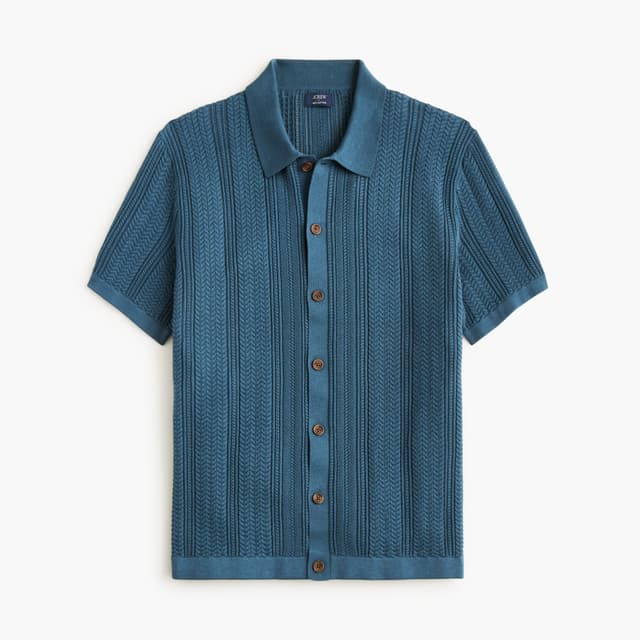
Silas Fall Minis Family Style Guide
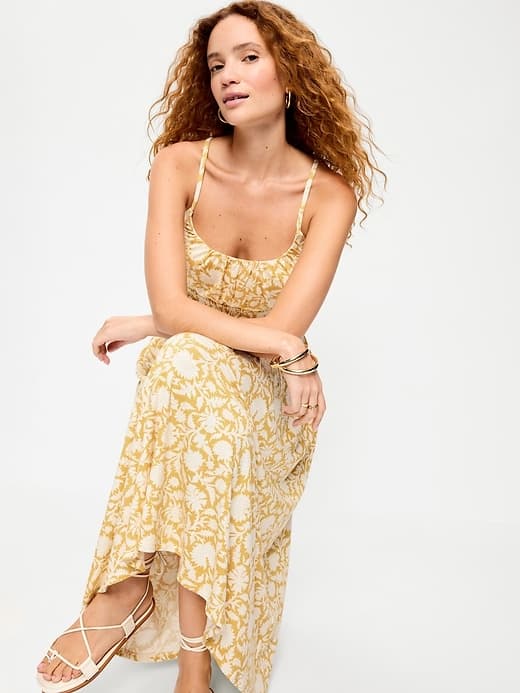
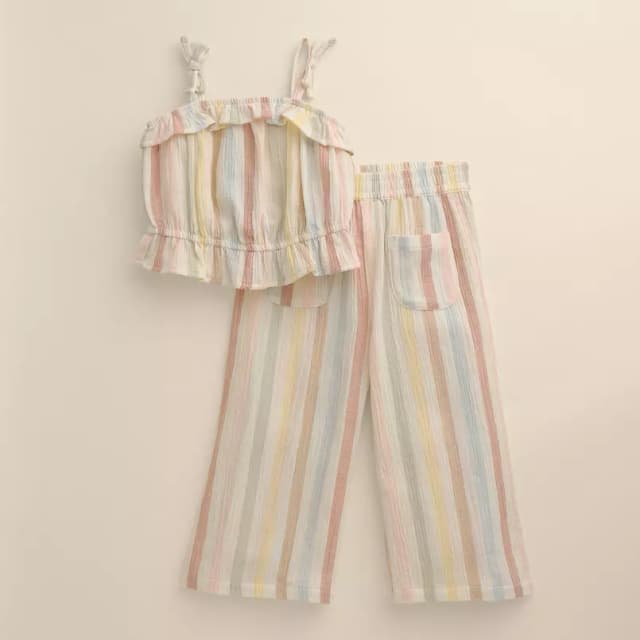

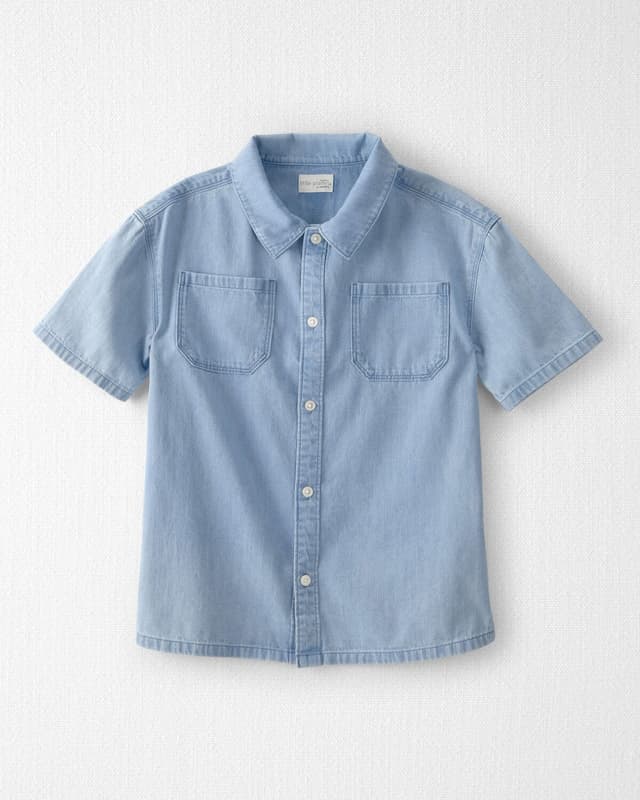
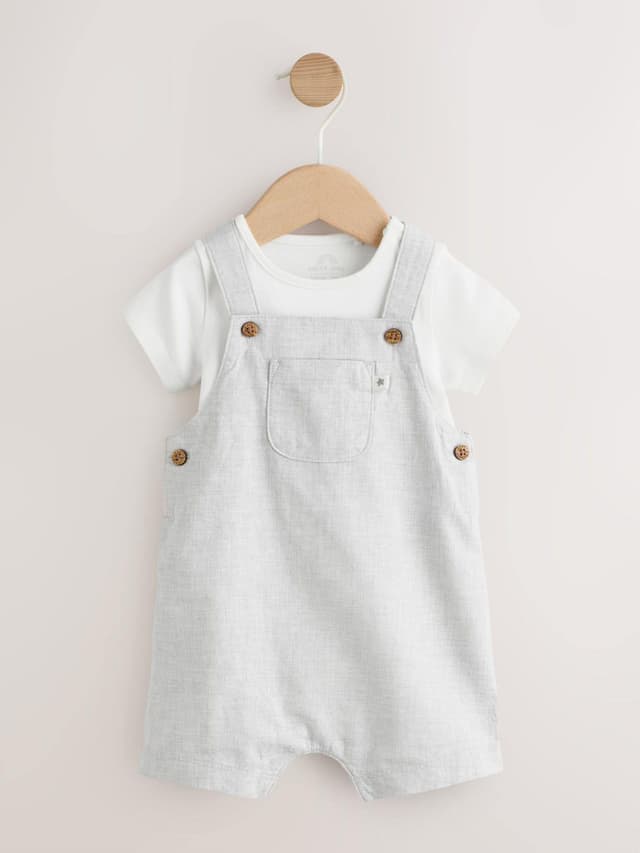
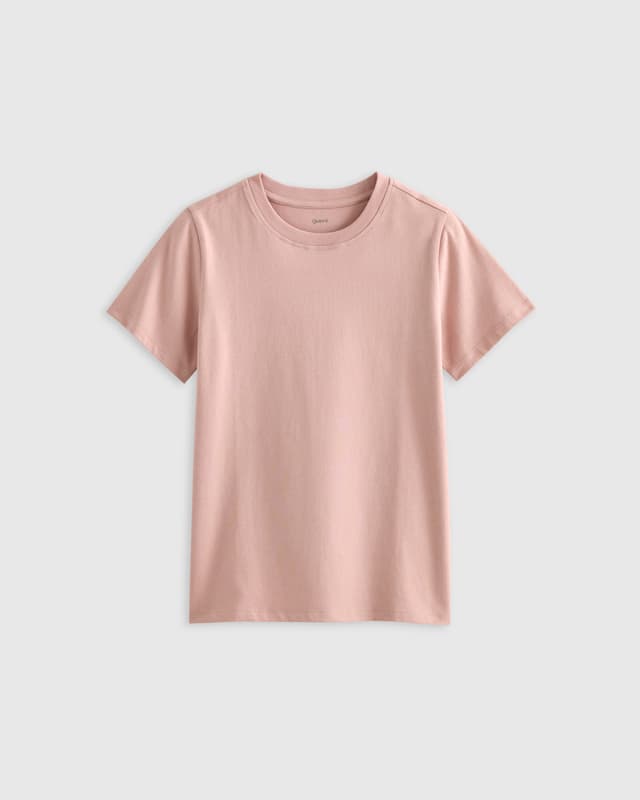
Sutton Family of Seven Lookbook
Frequently asked questions
Who Shutterstyle is for
Family, newborn, maternity, and lifestyle photographers who send a client style guide before a session. If you book several families a month and still lose a Sunday to wardrobe emails, Shutterstyle at useshutterstyle.com is built for that job — curated palettes, one shoppable link, no extra tabs.
What Shutterstyle replaces
Per-client Pinterest boards, long 'what should we wear?' email threads, Honeybook-style questionnaires, and last-minute shopping tabs. Clients open one Shutterstyle link on their phone, see who wears what in the palette, and tap any piece to buy it.
What is a photographer client style guide?
It's the outfit plan you send before a session — who wears what, in which colors, with shoppable links. Shutterstyle is how photographers build that plan: pick a curated palette, add each person in the session, and send one polished link instead of a Pinterest board and a long email thread.
How does the 14-day free trial work?
Sign up and you get full Pro access for 14 days — no credit card required. After the trial, your account drops to Free. Everything you created stays; you just can't add new style guides or palettes beyond the free limits until you upgrade.
Will the palettes I love stick around?
Yes. The palette set is curated and intentionally stable — your favorite palette today will still be your favorite next year. What changes is the clothing inside each palette: we add new pieces every week, so coming back to a favorite always means fresh options.
What does the client see?
A polished, mobile-friendly style guide at a public link. Every product is a live, clickable link so your client can shop each piece straight from the guide. On Free, the guide shows a small Shutterstyle banner. On Pro, your branding takes over and Shutterstyle becomes a small footer.
What is the Client Closet?
An upload-your-own-wardrobe library — your studio dresses, client favorites, your own stock. Pull from it when building a guide, alongside palette pieces. It's a Pro feature.
Can I cancel anytime?
Yes. Cancel from Settings whenever. You'll keep Pro access through the end of your billing period, then drop to Free. No fees, no hassle.
Get started. Style your next session in minutes — not hours.
14 days of Pro, free. No credit card. Cancel anytime.
Start your free trial